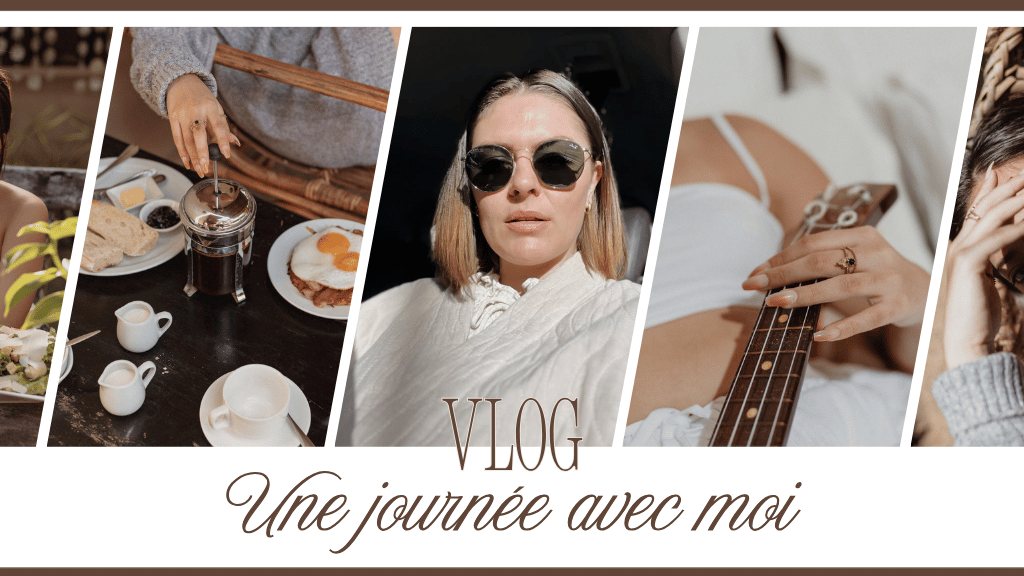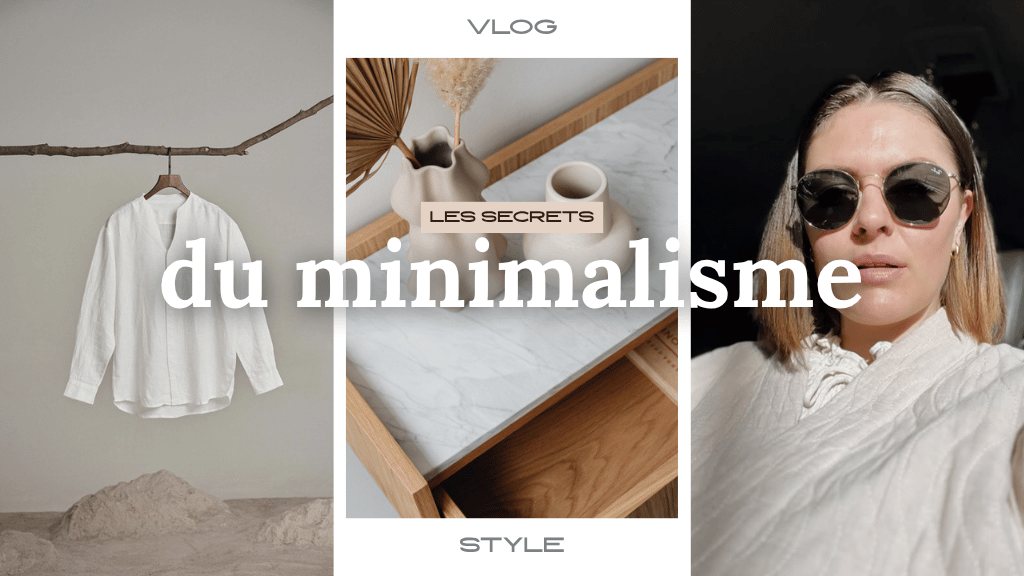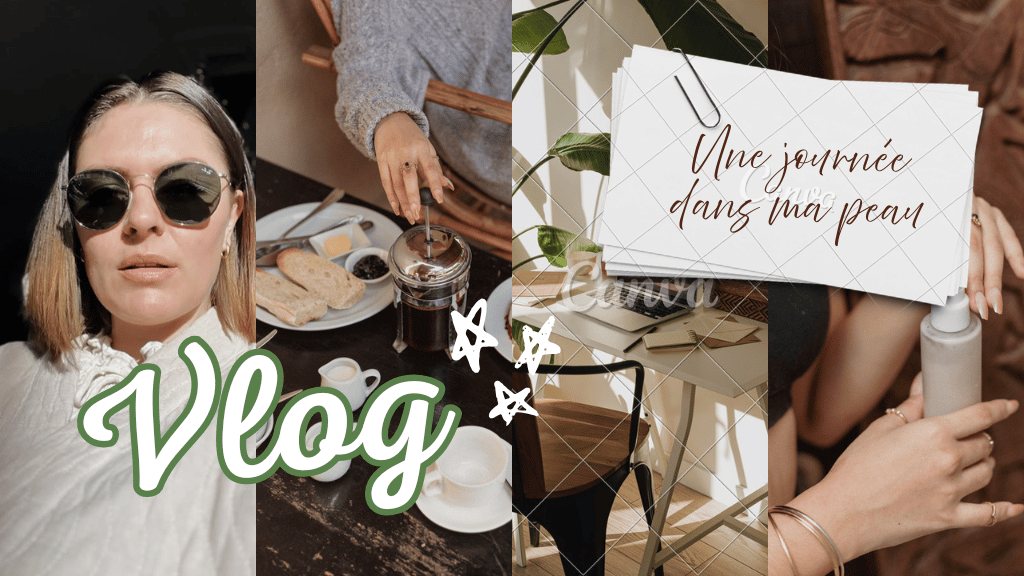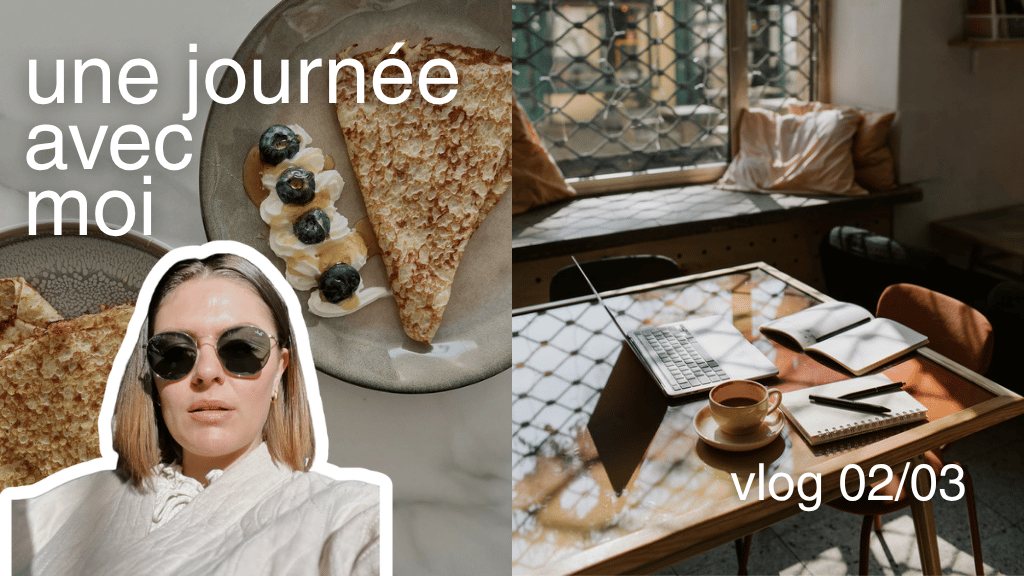
A day in my life
Locked
Creator Kit · Canva
the click is won before the video
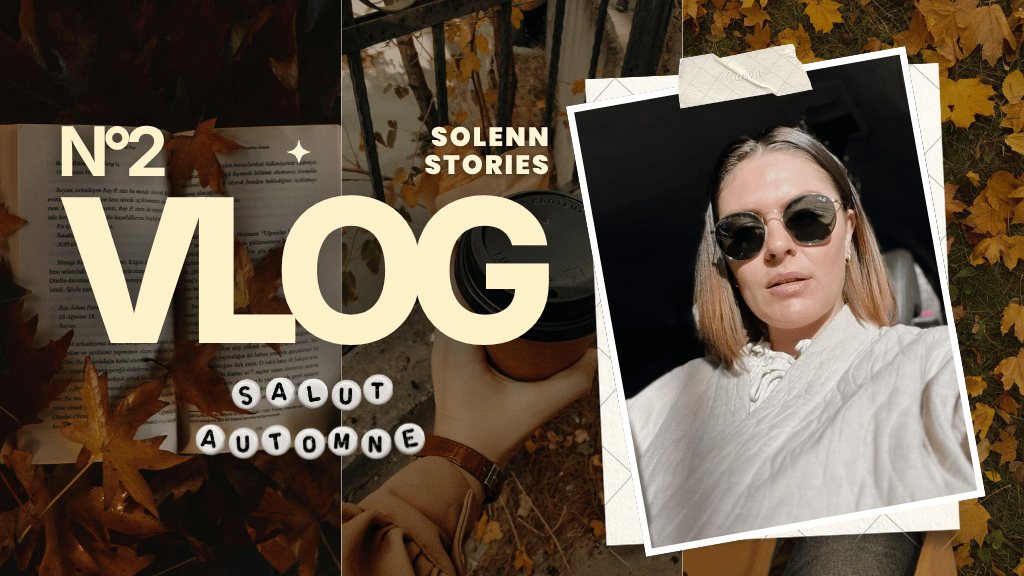
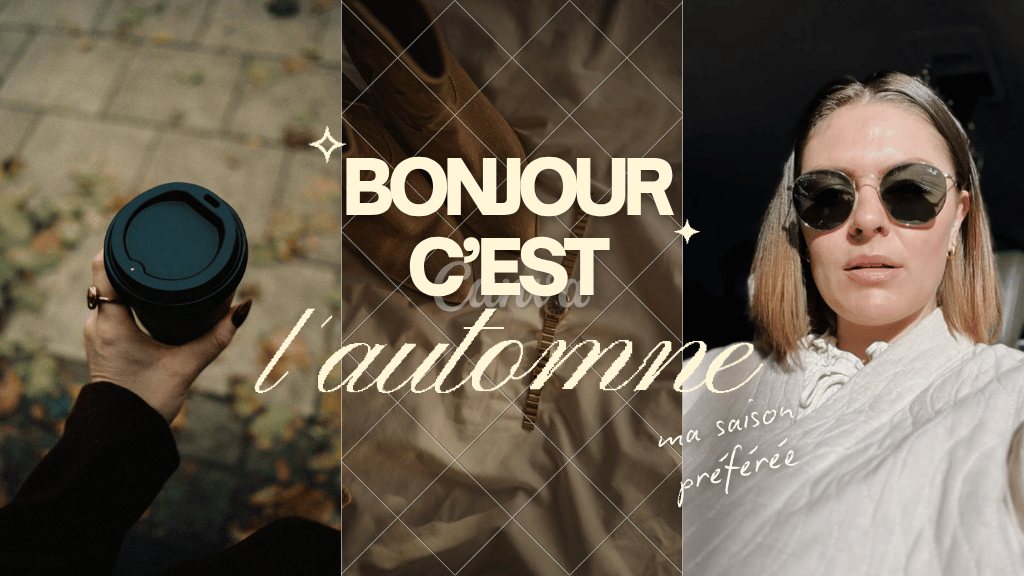
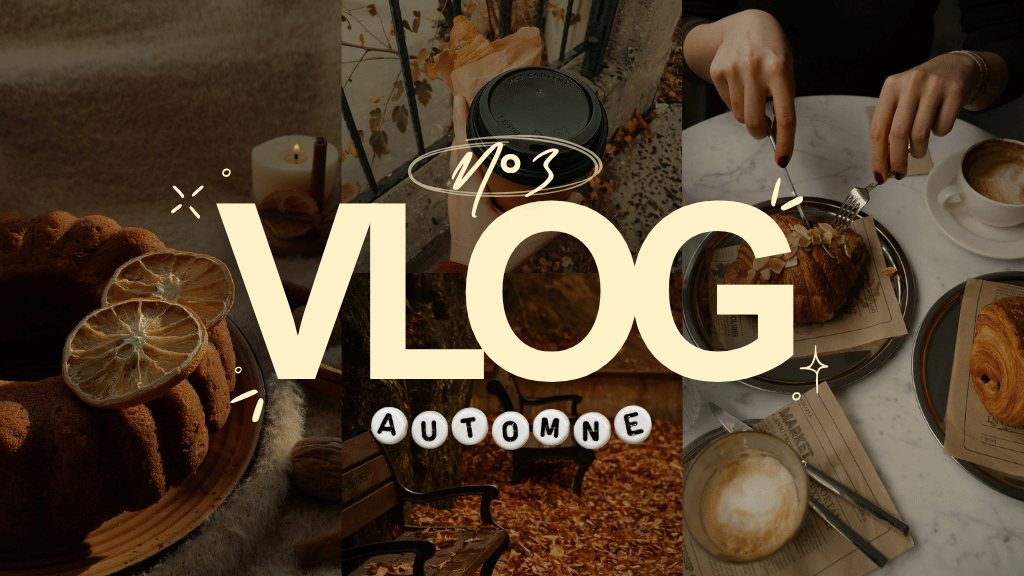
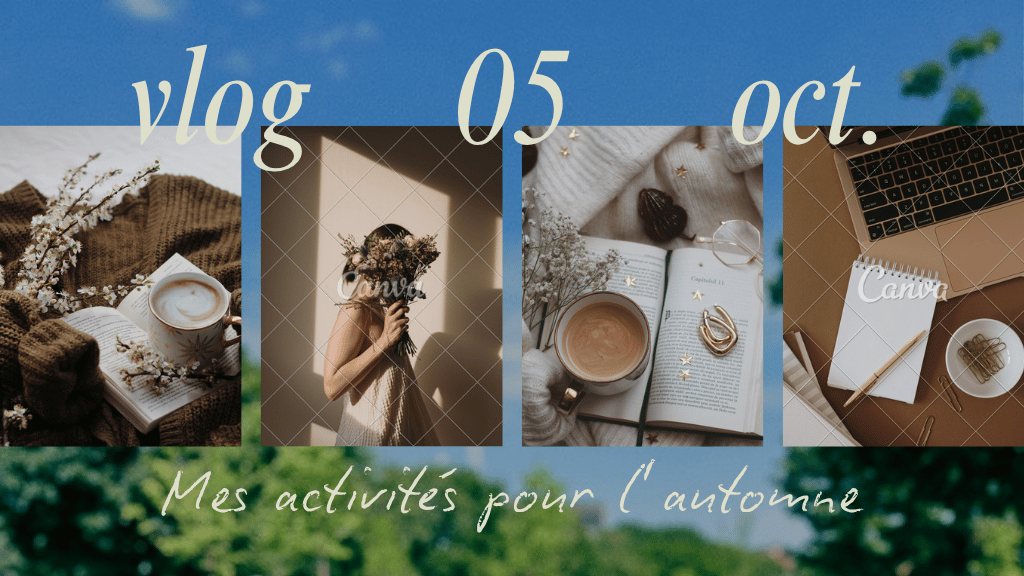
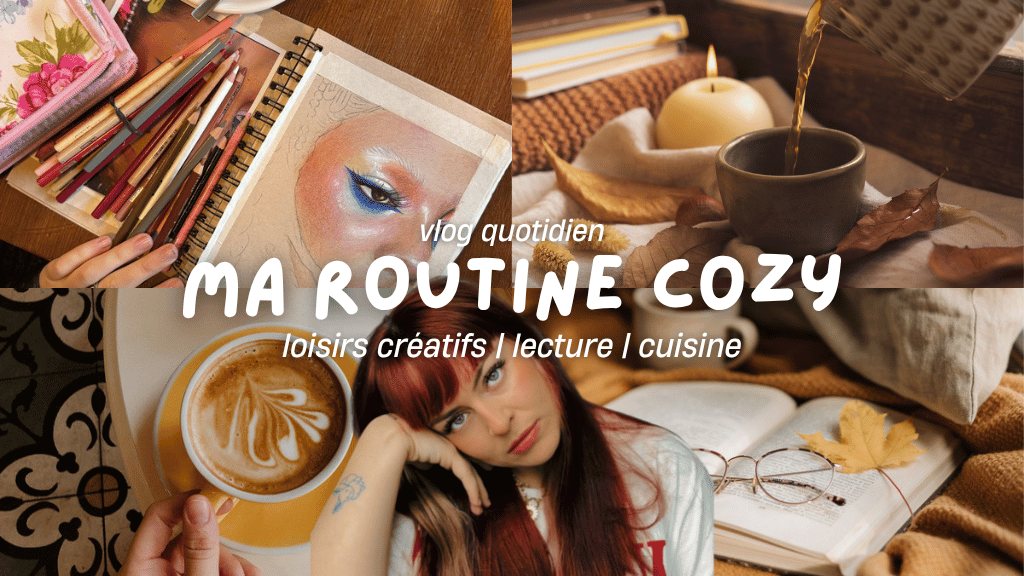
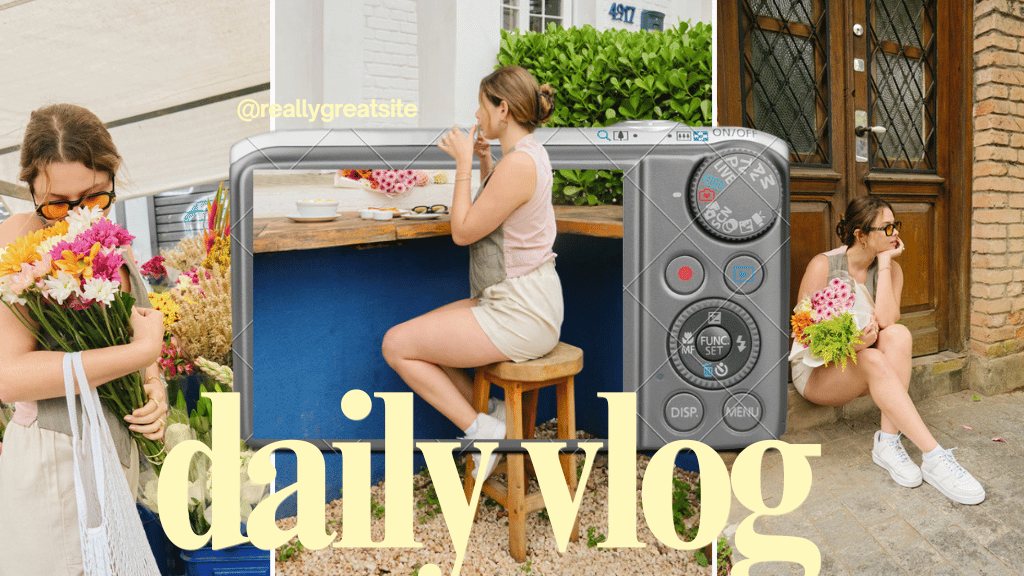
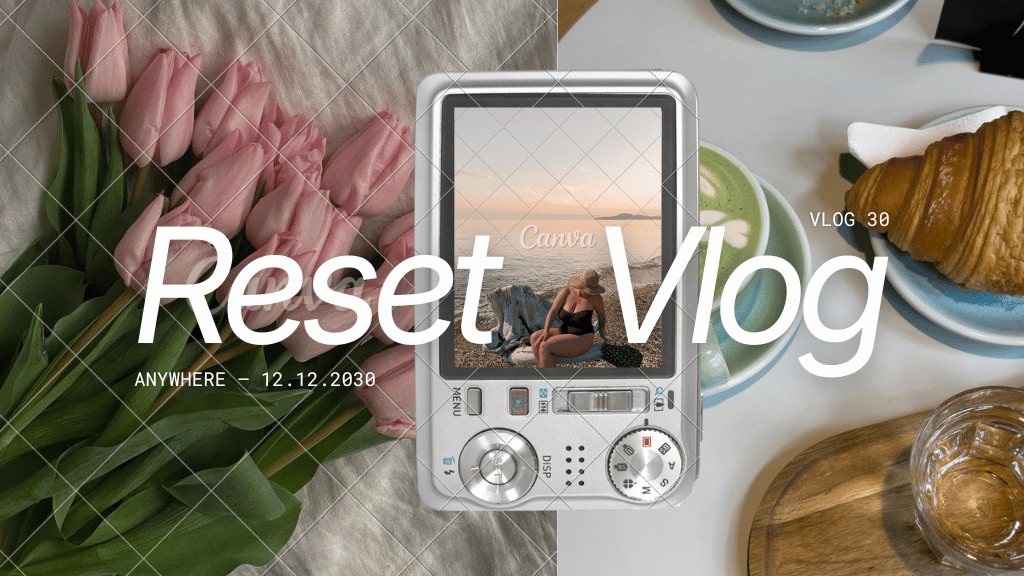
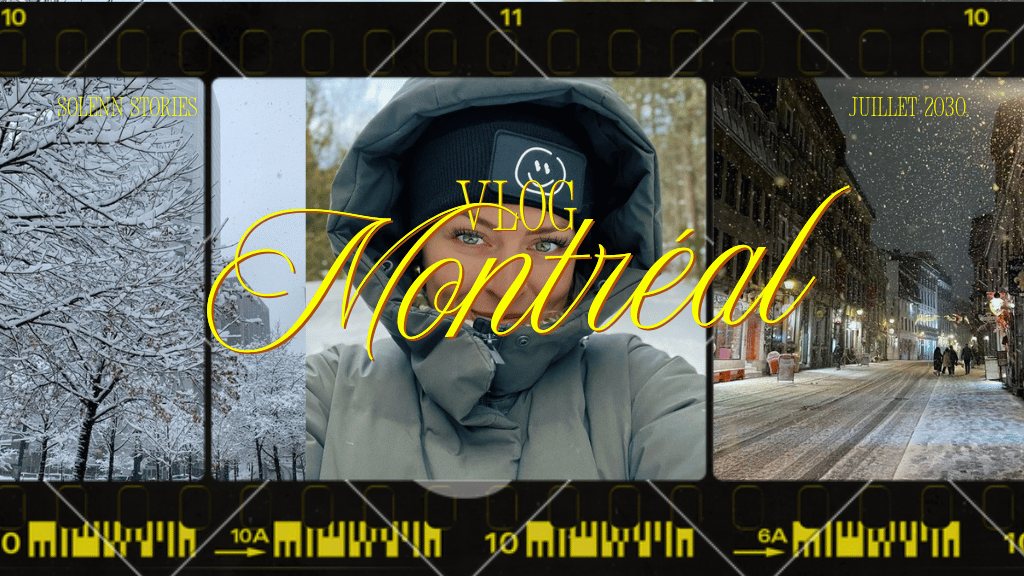
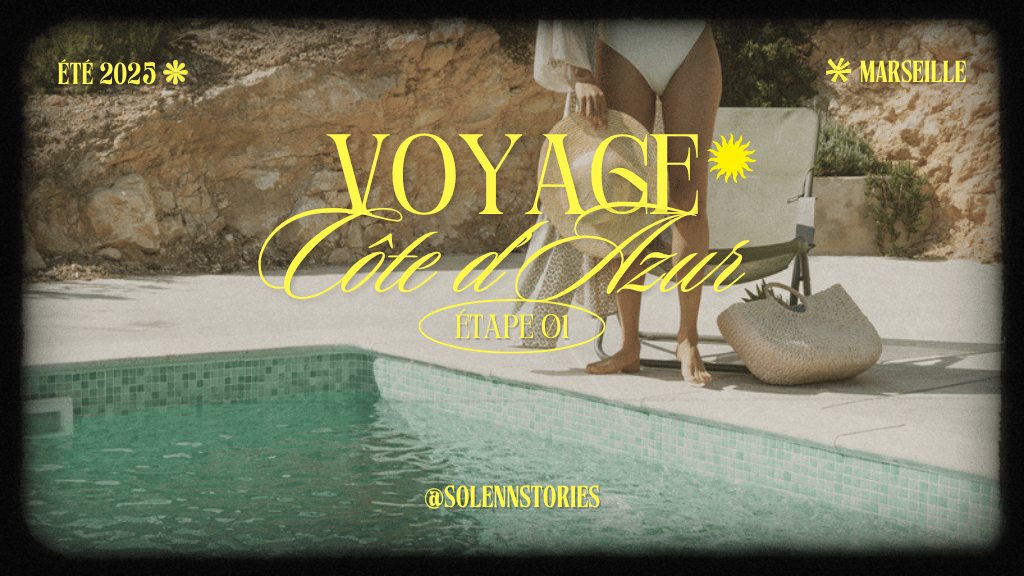
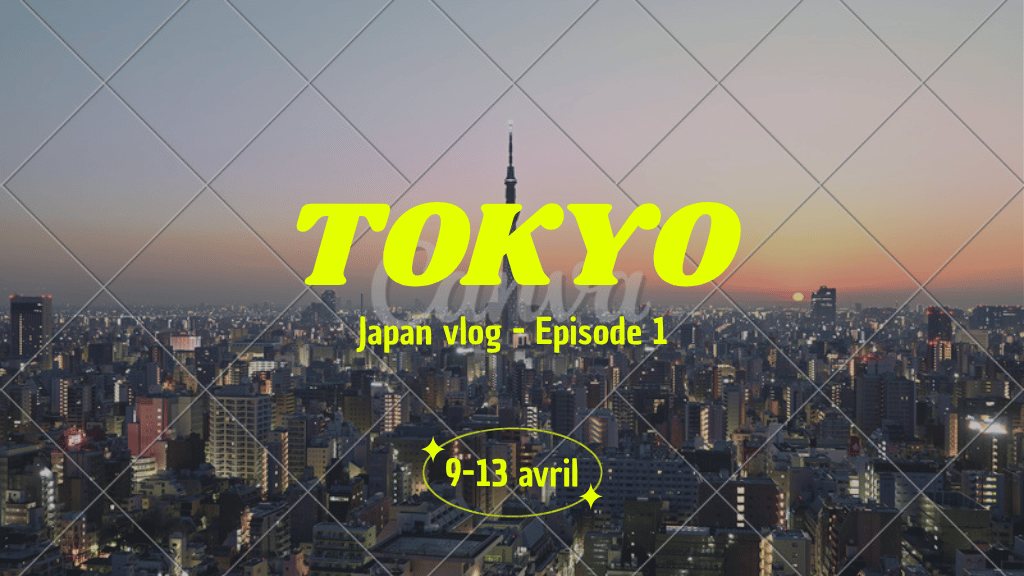
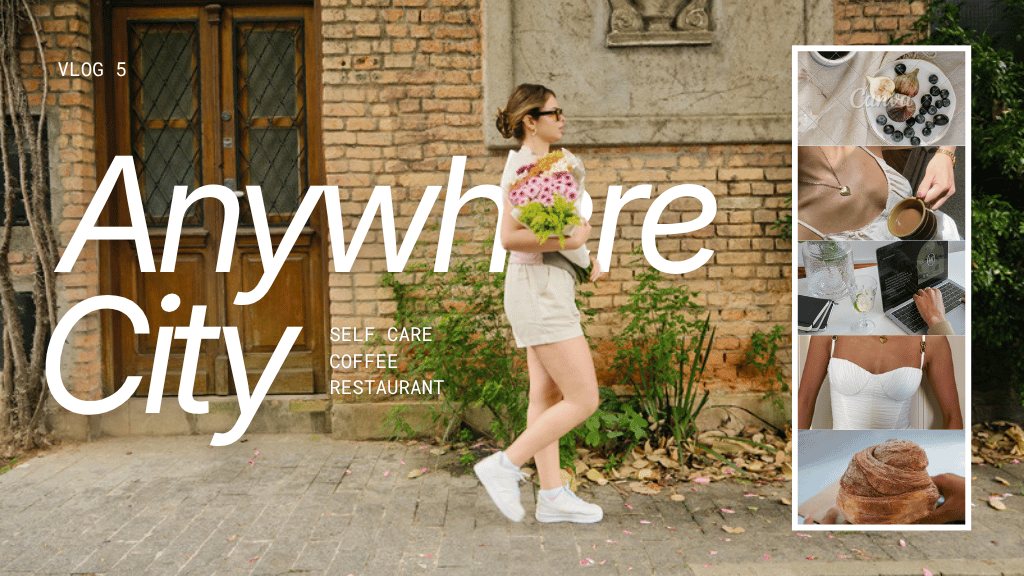
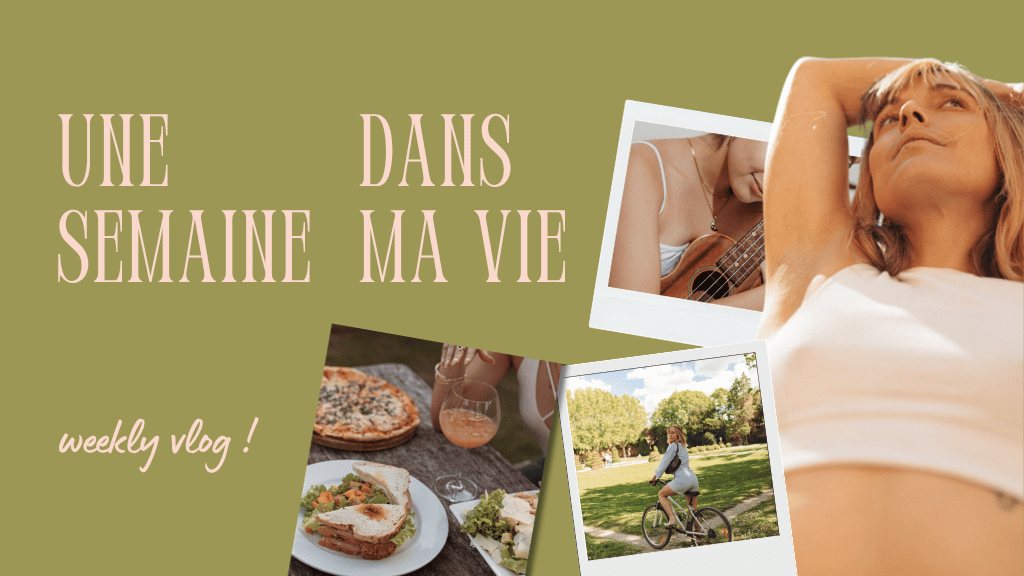
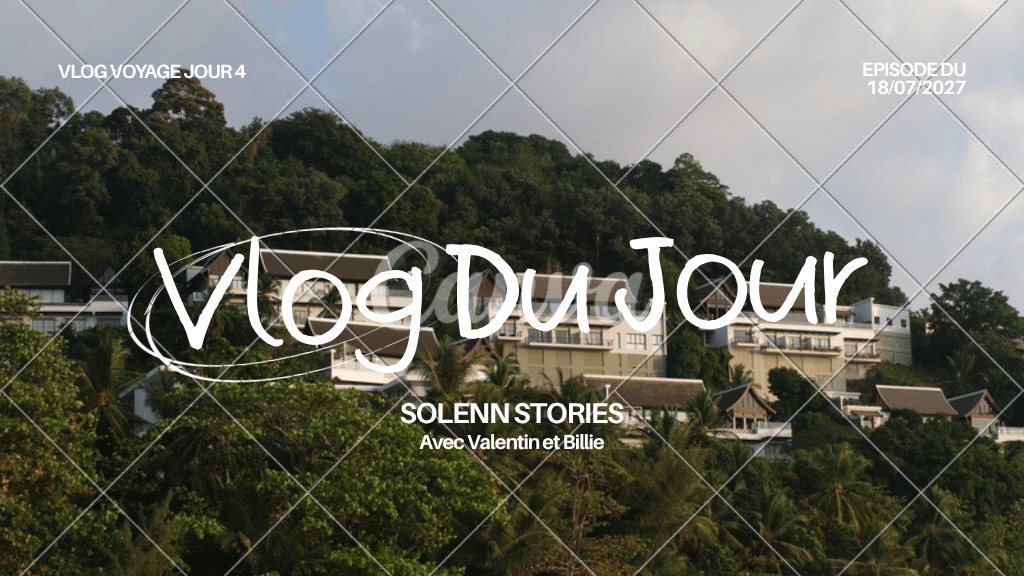
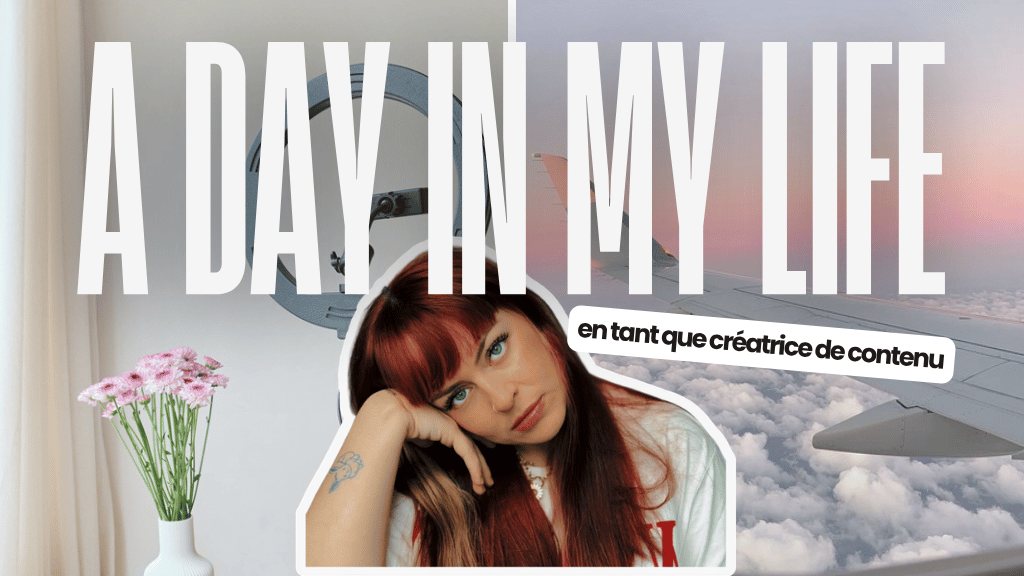
A custom YouTube thumbnail in 1280×720, designed to stay readable when small: one face, strong contrast and three words maximum. Customise each template in Canva with your channel colours.
To get new templates by email, join the newsletter.
On YouTube, the thumbnail and the title are what trigger the click. A good video with an unreadable thumbnail stays invisible: it is often the fastest lever to improve your click-through rate.
An expressive face, three words maximum, strong contrast and a single subject. The thumbnail adds to the title instead of repeating it. Always check how it looks very small, as on a phone.
In Canva, replace the photo with a screenshot or a cut-out portrait, adapt the text and colours to your channel, then export as JPG or PNG at 1280×720.
Choose a template, replace the visual with your photo or a screenshot, adapt the text and colours to your channel, then export at 1280×720 and test how it looks at a very small size.
1280×720 pixels (16:9), as JPG, PNG or GIF, under 2 MB.
Yes, YouTube asks you to verify your channel (for example by phone) before allowing custom thumbnails.
Three to four words at most: beyond that, the text becomes unreadable on mobile.
Choose a Canva template, replace the photo, adapt the text and colours, then export at 1280×720.
In YouTube Studio, open the video and upload the image in the thumbnail section. Your channel must be verified.
The free version of Canva is enough to use and customise these templates.