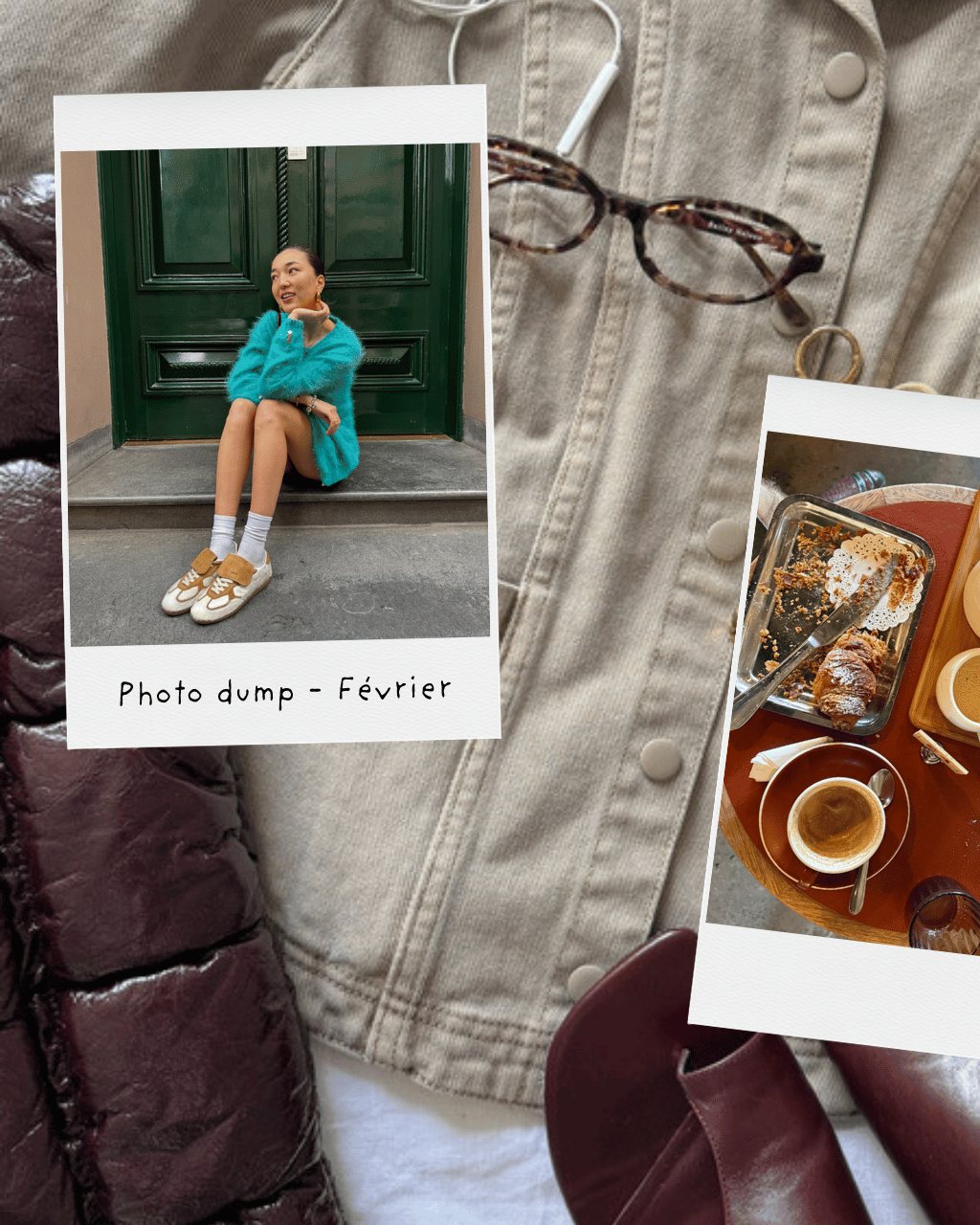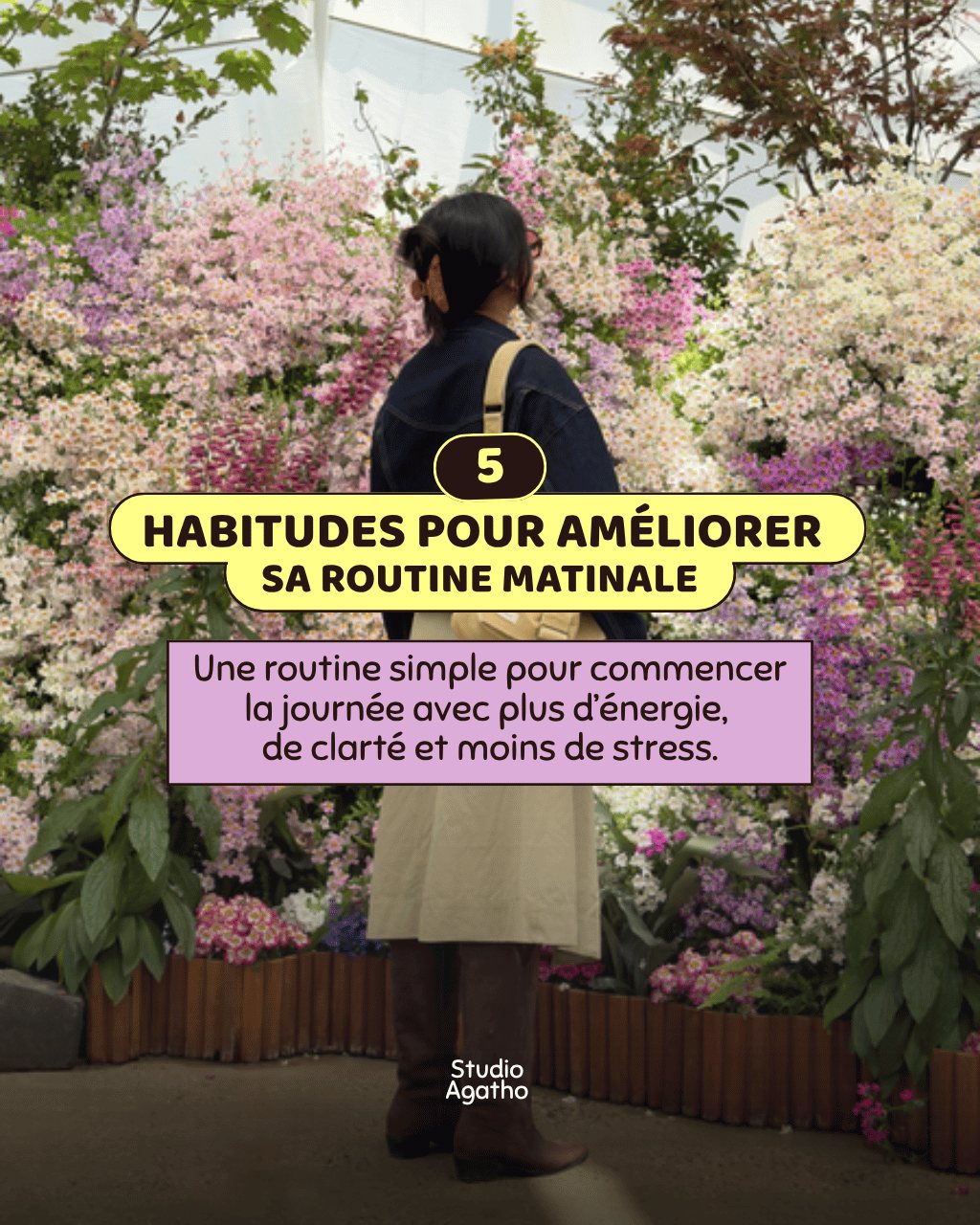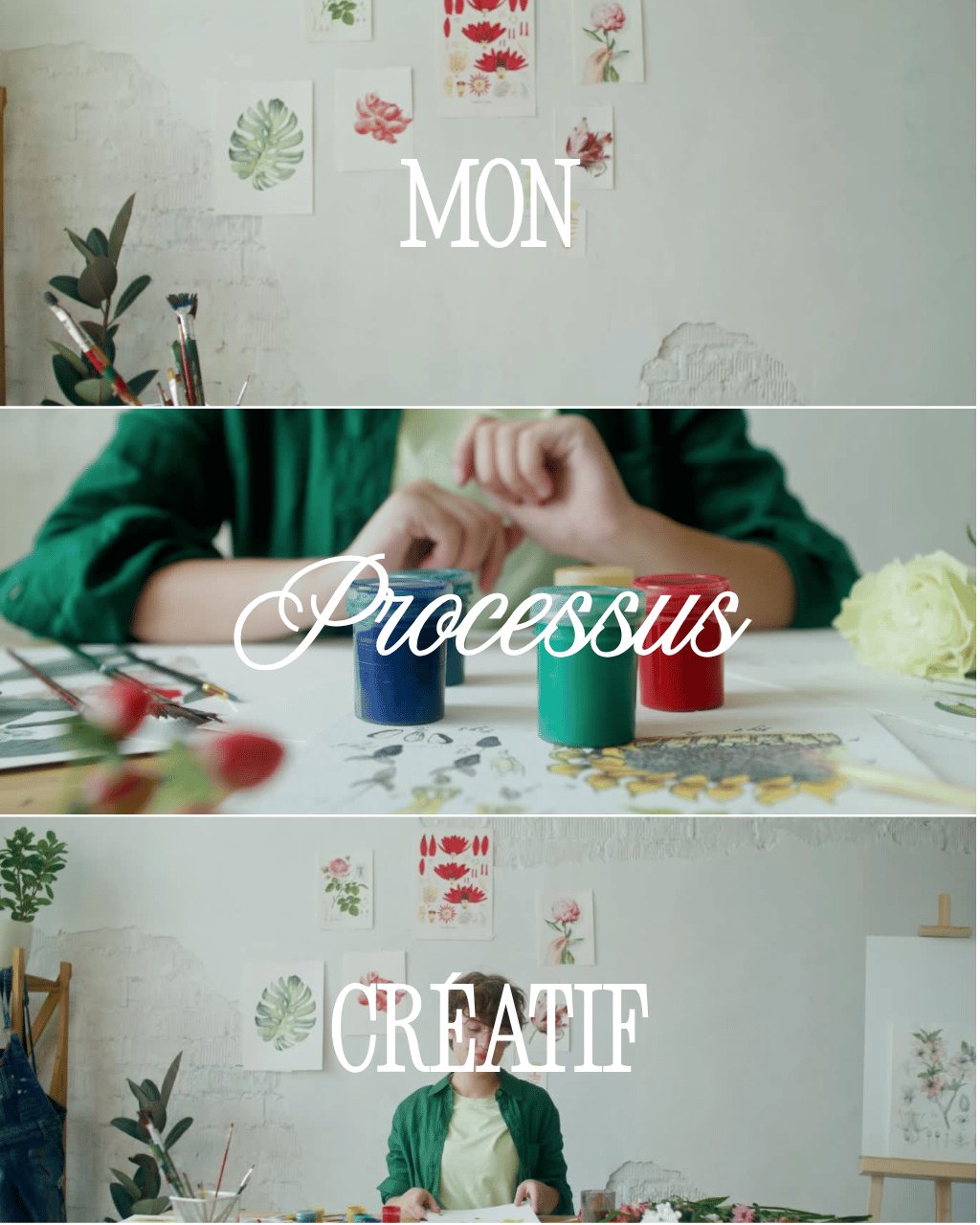
Carrousel sans coupure – Bali
Locked

Creator Kit · Canva
slides people actually want to swipe
Canva carousels ready to customise so you can tell one idea across several slides: hook on the first, value in the middle, call to action at the end.
Carousels are the best format for explaining something: a step-by-step tutorial, a list of tips, a before/after, a case study. Each slide carries one idea, which keeps people swiping to the end and encourages saves, a strong signal for Instagram's algorithm.
Slide 1: a short hook that promises a clear benefit. Middle slides: one idea per slide, a readable title and two or three lines at most. Last slide: a specific call to action (save, comment, share, tap the link in bio). Six to ten slides is enough in most cases.
Open the template in Canva, apply your colours and fonts, then replace the text while keeping the hierarchy: a title, a subtitle, body copy. Export as PNG in 1080×1350 portrait format to take up as much of the feed as possible.
Instagram allows up to 20 slides, but carousels of 6 to 10 slides are usually read to the end more often.
The 1080×1350 pixel portrait format (4:5) is the safest choice: it takes up more of the feed than a square.
Yes. A free Canva account is all you need to open, duplicate and edit them.